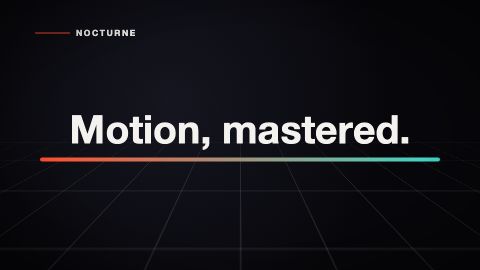
16:9 · 10s · Showreel
A coding agent can write a Remotion composition, but the first draft still needs a clear brief, a working project, visual review, and a simple way to edit copy.
100% free to browse and edit. No account, watermark, credit card, or attribution required. Free MP4 downloads. Built for Claude, ChatGPT, and any coding agent.
Give the agent the size, frame rate, duration, scene order, text roles, and colors. Ask for deterministic code with no network assets.
Render a still and the full video. Check the text at maximum length, movement between scenes, and the first and last frames.
Pass text and colors as props. This keeps the motion reusable and lets non-developers edit it safely.
Start from a cliphou.se template when you want to compare finished motion before you change the code. Use its spec as context for your agent.
AI-generated motion is not automatically production-ready. Review the timing, legibility, accessibility, rights to any added assets, and Remotion license requirements before publishing.
16:9 · 10s · Showreel
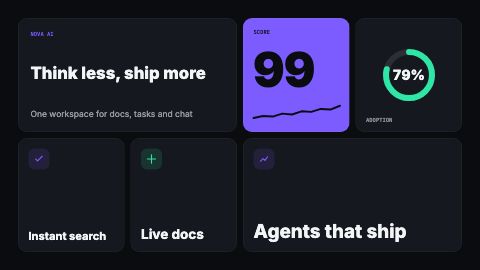
16:9 · 8s · Product launch
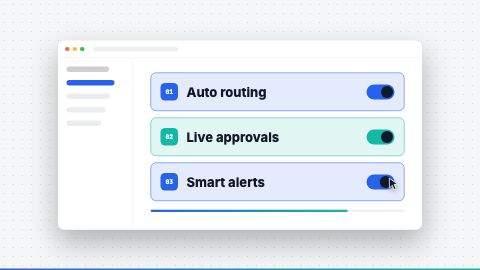
16:9 · 8s · Product launch
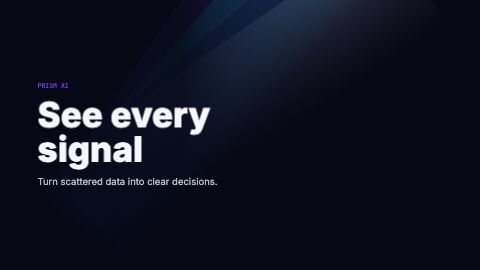
16:9 · 8s · Product launch